



Description
 Worldwide shipping
  Secure payments
  Authentic products
——- Data Plan Info——-
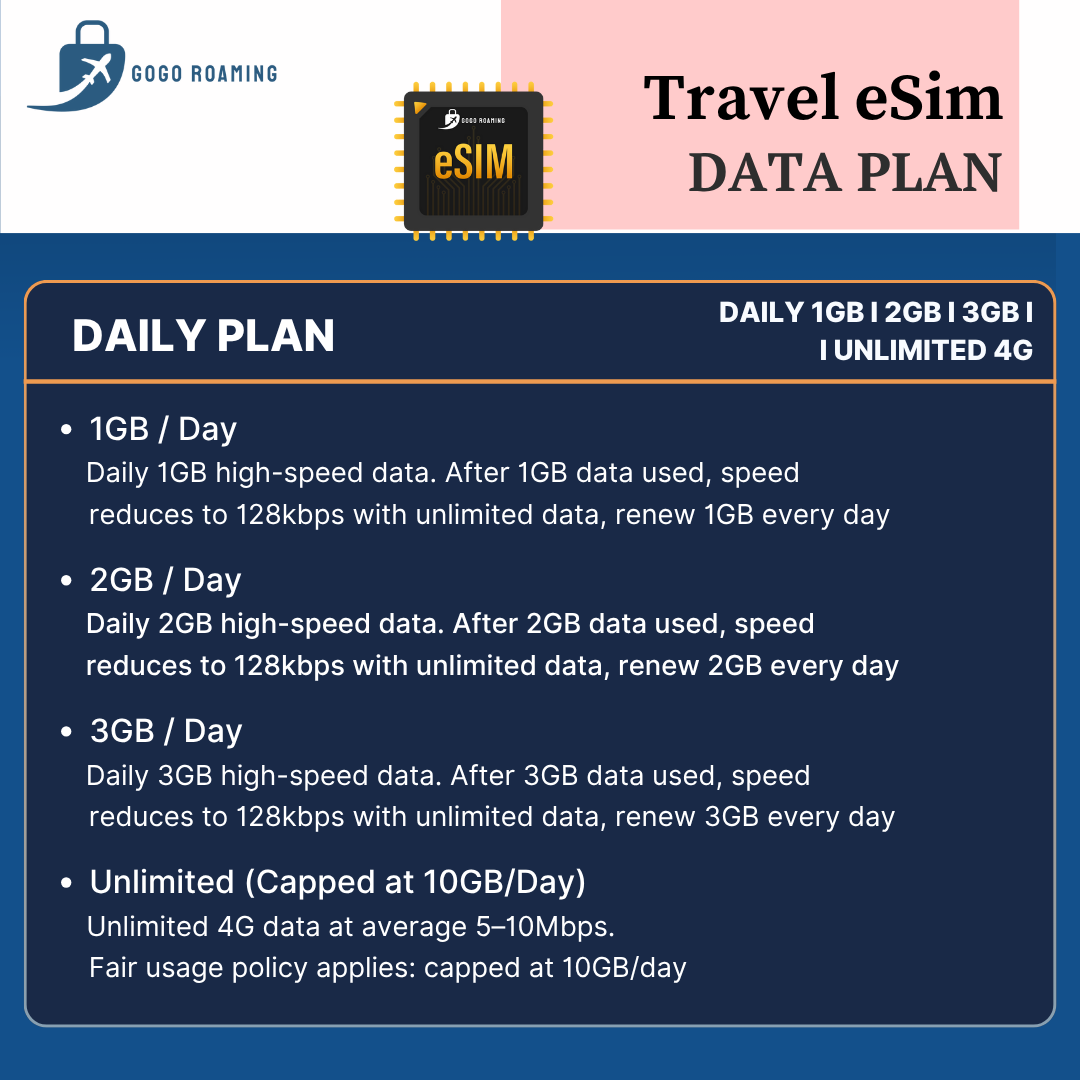
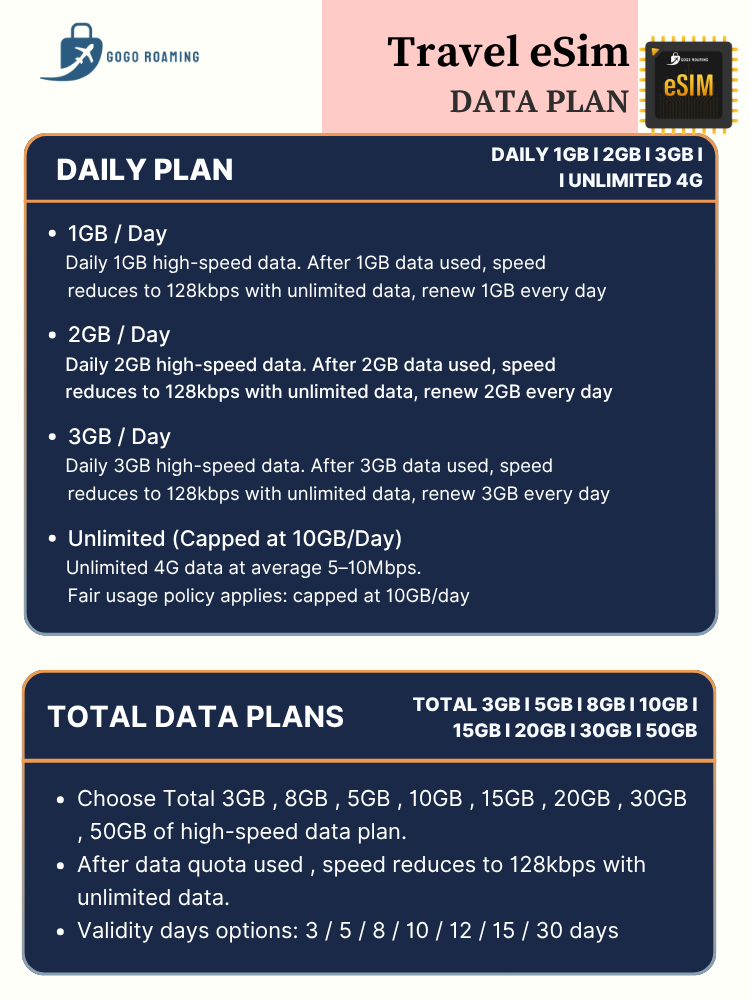
– 500MB/day :【Daily 500MB of high speed data and speed down to 128kbps (unlimited data with 128kbps) after high speed data 500MB used , refresh everyday】
– 1GB/day :【Daily 1GB of high speed data and speed down to 128kbps (unlimited data with 128kbps) after high speed data 1GB used , refresh everyday】
– 2GB/day :【Daily 2GB of high speed data and speed down to 128kbps (unlimited data with 128kbps) after high speed data 2GB used , refresh everyday】
– 3GB/day :【Daily 3GB of high speed data and speed down to 128kbps (unlimited data with 128kbps) after high speed data 3GB used , refresh everyday】
✅Telco📶: 🇦🇺 Australia – Telstra / Optus
✅Cover to use : Australia
✅Hotspot : Support (mobile)
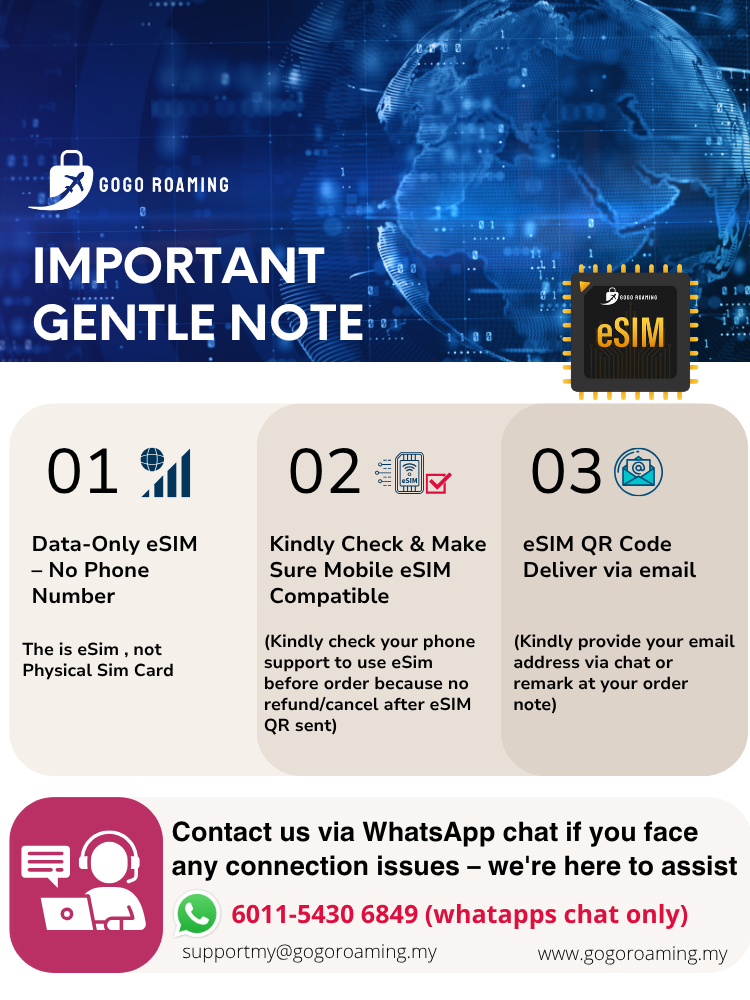
✅This is an eSim, Not a Physical SIM Card
✅This is Data eSim Packages, Make Sure your mobile device is supported under eSim before ordering. **Once we send out the QR code, it will be no return and refund**
✅This eSim For “Data” use only, it’s not come with any Phone Number and No Registration Needed
✅Follow the Guide from email & scan eSim Qr code to install and use eSIM upon arrive at destination country.
⭕Data Only, No Phone Number
✅Support TikTok/ChatGpt
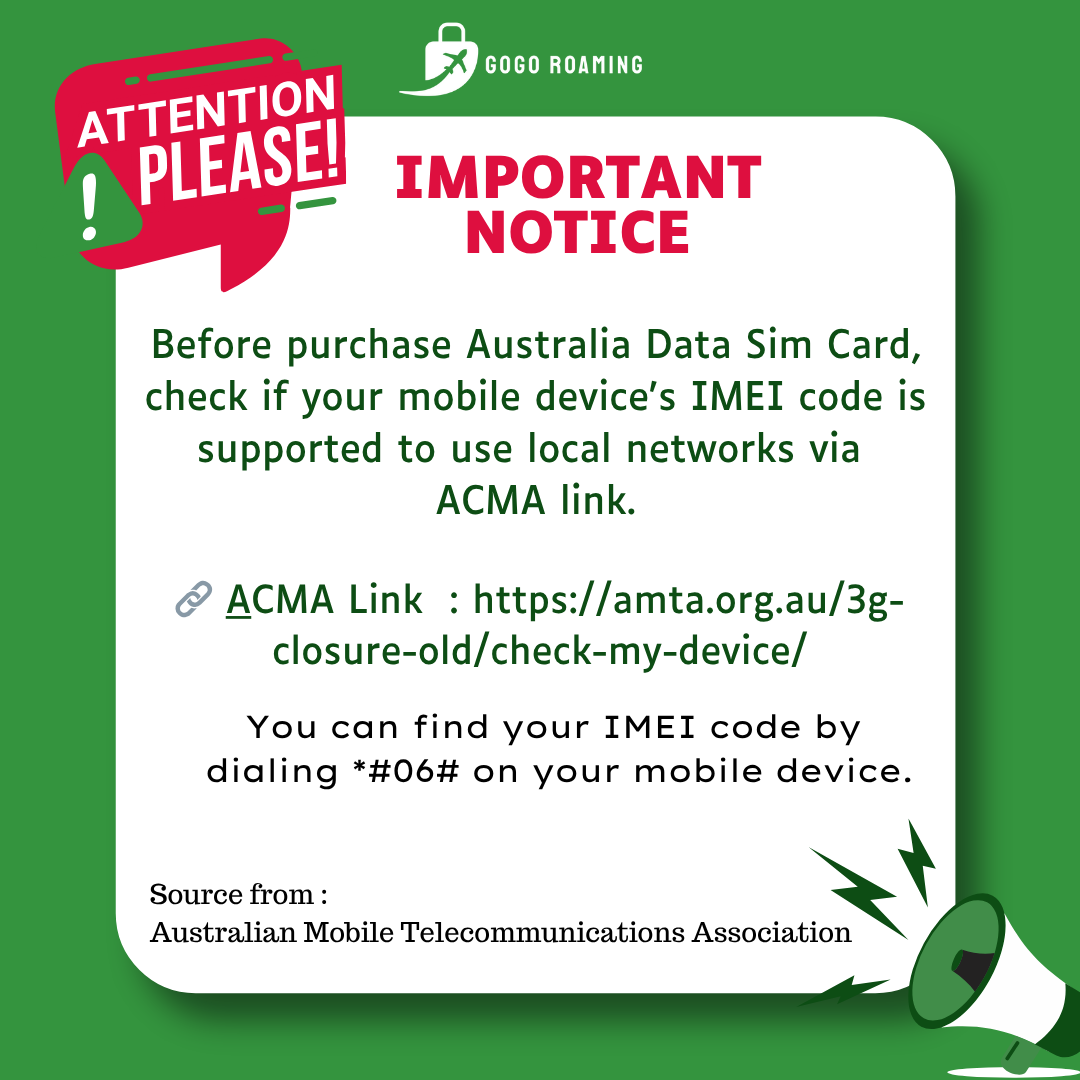
✅Before traveling to Australia, check if your mobile device’s IMEI code is supported on local networks via below ACMA link :
🔗 Checking before order :Check your mobile support & Compatible to use in Australia
🔗 WHY NEED TO CHECK : Important to know before buy Australia Data Sim Card/eSim
📅Exp Date: within 30 days after purchased
🔹Please provide Travel Date to keep contact.
CAUTION: INTERNET NOT WORKING MAINLY DUE TO SETTING PROBLEM:
1. Mobile Data/Data Roaming disabled (must Turn on)
2. Missing APN setup
3. Network Operator Setting & APN Setting
4. Click here to check : Telco Operator List & APN List
5. APN : e-ideas
Iphone:
➡️ Setting > Mobile Data > Mobile Data Network
➡️ Insert APN
➡️ APN: e-ideas
➡️ Back – Switch On Data Roaming and Mobile Data for our eSim
➡️ Restart your phone
Android:
➡️ Setting > Wireless & Network /Connections > Mobile Network > Access Point Names
➡️ Add new APN
➡️ APN : e-ideas
➡️ Back – Switch On Data Roaming and Mobile Data for our eSim
➡️ Restart your phone
Note :
✅ eSIM Data Plan activation time follow MY Time Zone (GMT+8)
✅ Install the eSIM on your arrival day under stable internet connection.
✅ Please only turn on the eSIM “Roaming Data” upon arrive your destination country
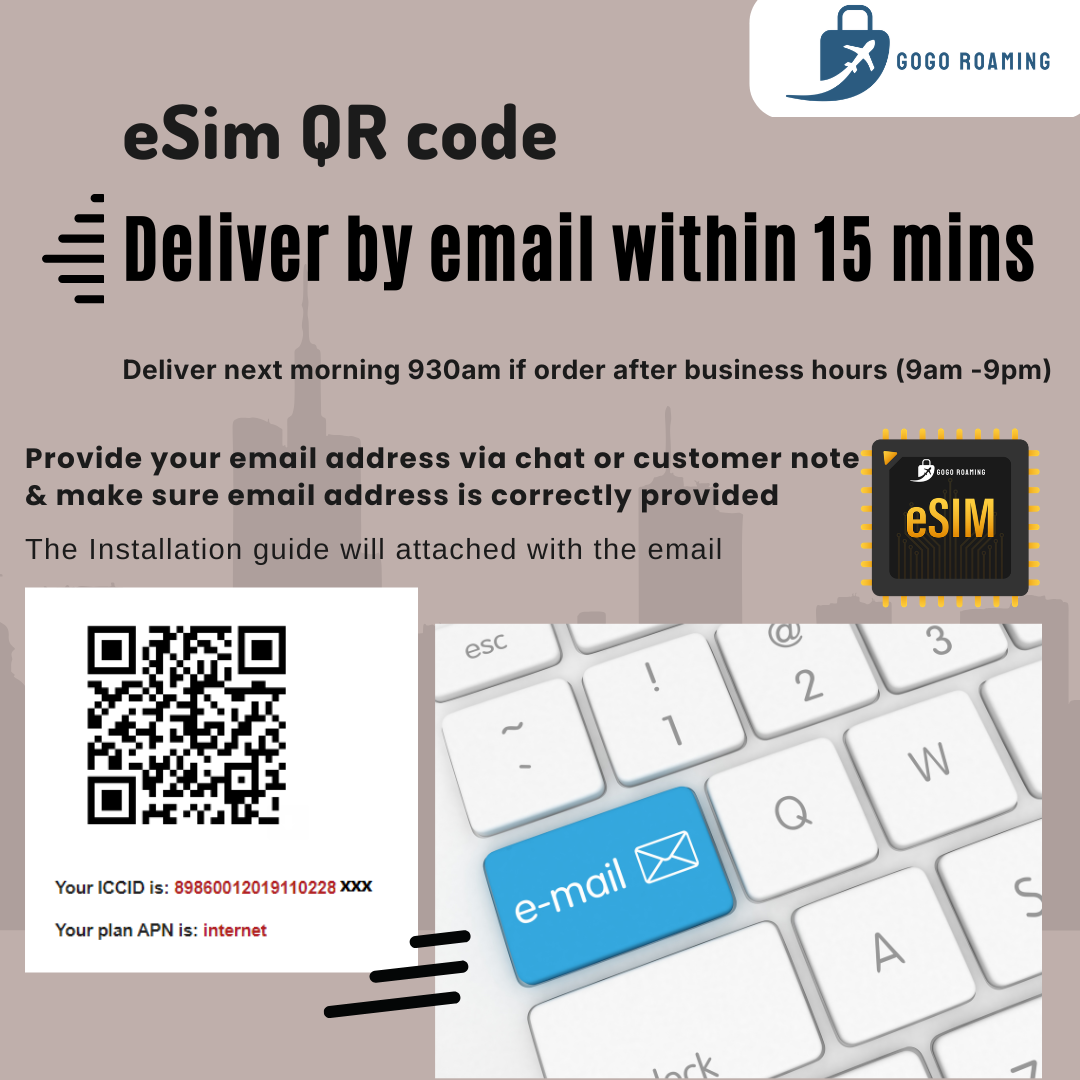
✅ QR code will be sent via email within 30 mins during working hours (9am-9pm) – make sure your email is provided via chat or remark at order note
✅ If you are looking for eSIM data top-up or plan extension, Kindly contact us for assistance
—————— 𝐃𝐞𝐥𝐢𝐯𝐞𝐫𝐲 𝐈𝐧𝐟𝐨 ———————
📬 The eSim Qr code will deliver via Email within 30 mins during working hours (9am-9pm) everyday after order received , kindly make sure your email address is correctly provided




Smooth to use in Australia & New Zealand