


Description
✅eSIM Data Cover to use : Malaysia
✅Telco Operator 📶: 🇲🇾 U-mobile
Additional Information
Fixed Data Plan
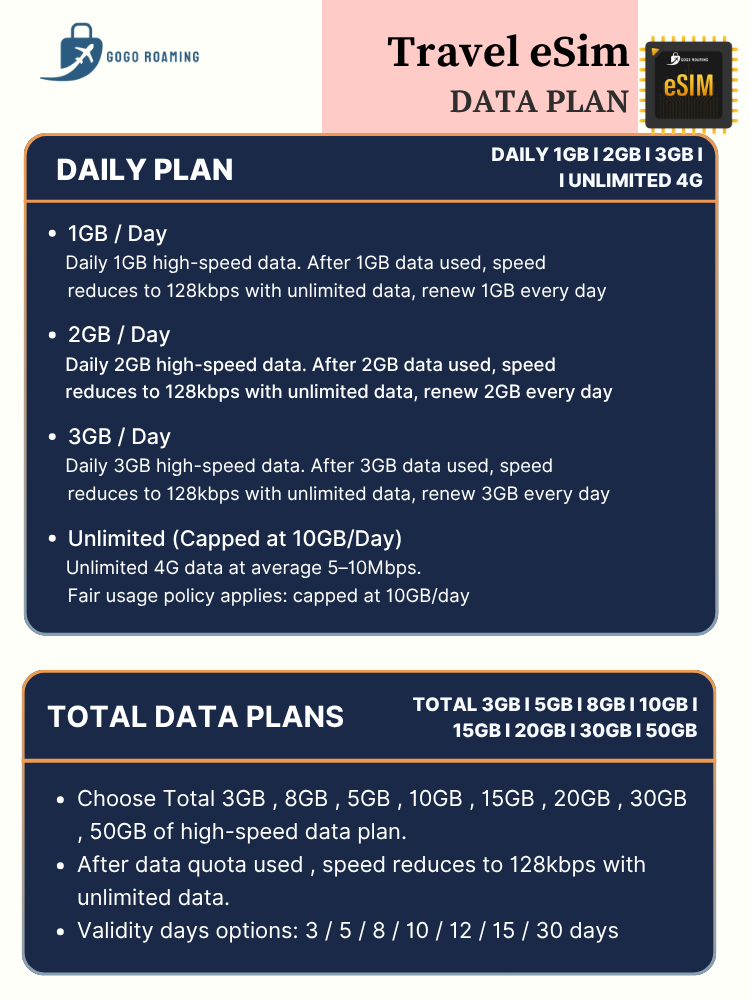
- Total 3GB/5GB/10GB/15GB/20GB/30GB/50GB of high speed data plan & speed down to 384kbps (unlimited data with 384kbps) after high speed data used, valid for 3/5/7/10/20 days usage
✅Cover use : Malaysia
📶Network – U-mobile
✅APN : my3g
✅Hotspot : Support (mobile)
✅This is an eSim (Virtual_, Not a Physical SIM Card
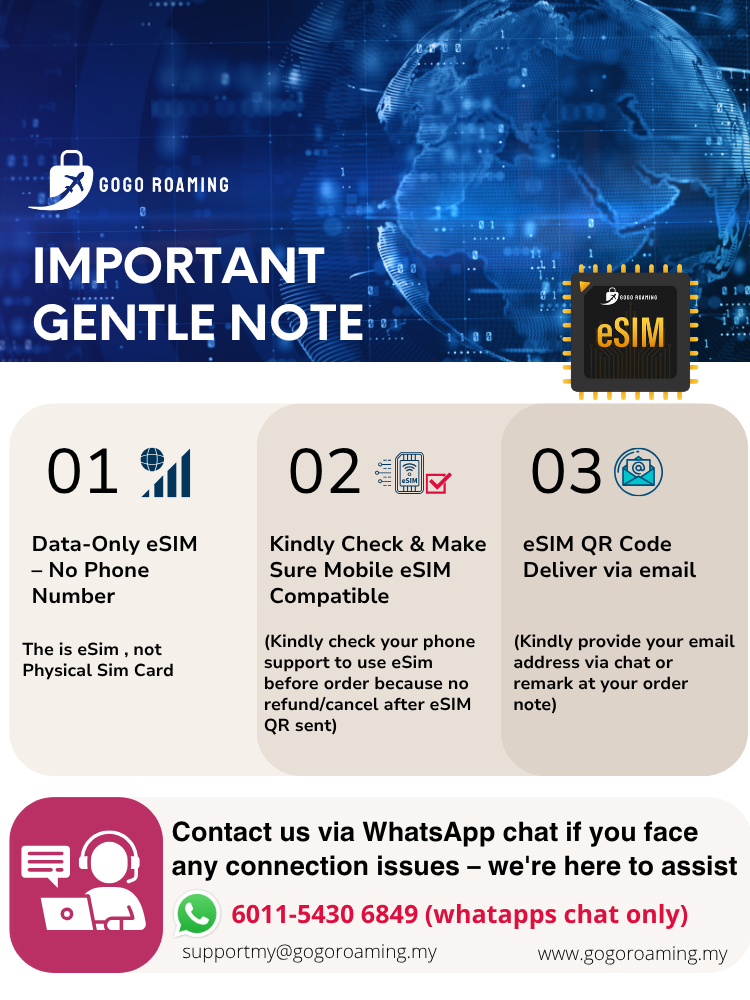
✅This is Data eSim Packages, Make Sure your mobile device is supported under eSim before ordering
✅Once we send out the QR code, it will be no return and refund
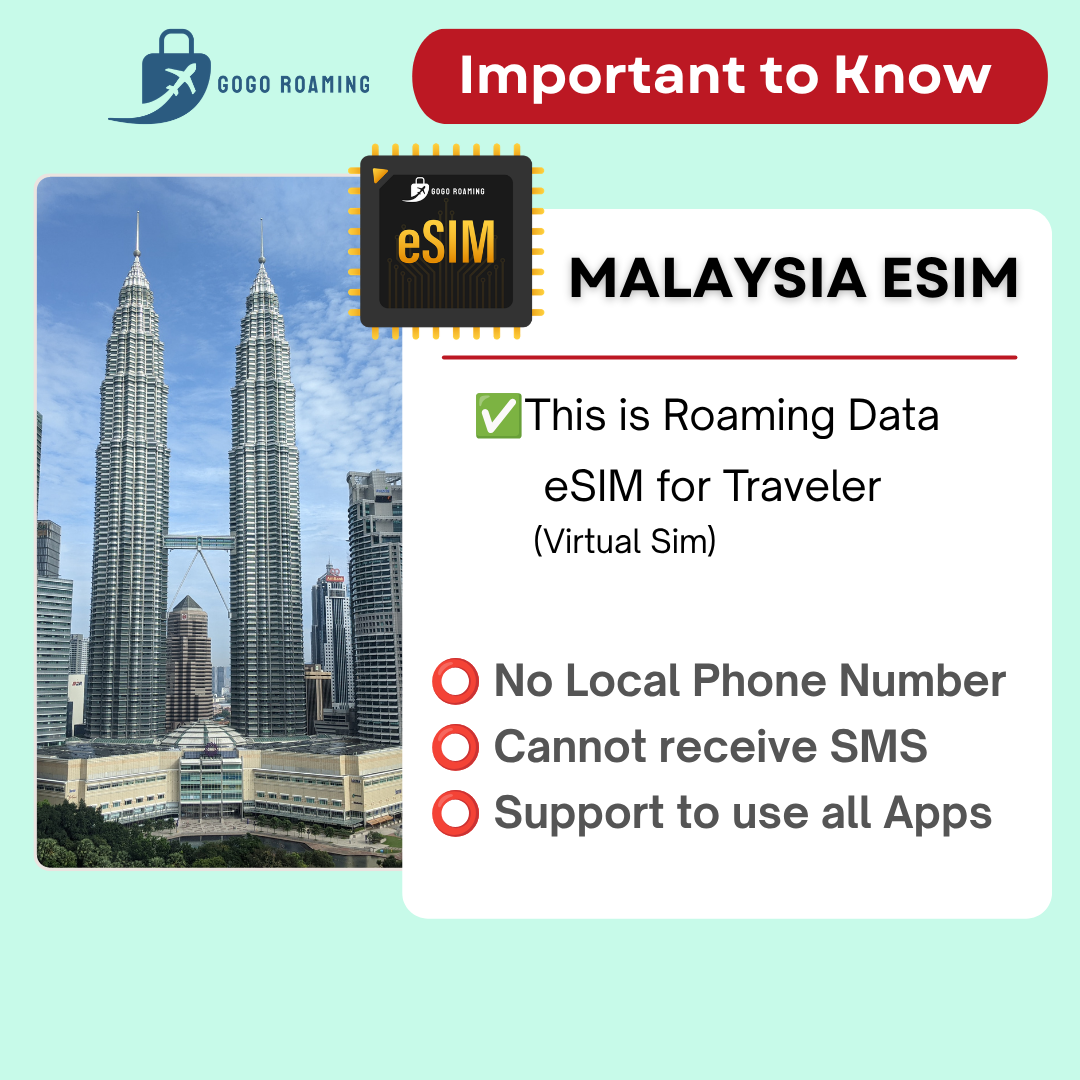
✅This eSim For “Data” use only, it’s not come with Malaysia Phone Number and No Registration Needed
✅Follow the Guide from email & Scan eSim QR code to install and use your eSIM upon arrive at destination country.
⭕Data Only, No Malaysia Phone Number
eSIM
- eSIM : Valid 1 month (30 days) after receive eSIM QR Code
- eSIM validity unable to extend
eSIM QR Deliver
📬 The eSim Qr code will deliver via Email within 30 mins during working hours (9am-9pm) after order received , kindly make sure your email address is correctly provided.
Kindly refer the video guide to use the eSIM :
Video Guide (iPhone) : Click Me (IOS)
Video Guide (Android): Click Me (Android)
✅ eSIM Data Plan activation time follow MY Time, each day is counted from 12am to 11:59pm
✅ Install the eSIM on your arrival day under stable internet connection.
✅ Please only turn on the eSIM “Roaming Data” upon arrive your destination country
✅ QR code will be sent via email within within 30 mins during working hours (9am-9pm) after order received – make sure your email is provided via chat or remark at order note
✅If you are looking for eSIM data top-up or plan extension, Kindly contact us for assistance
Check eSIM Q&A here : eSIM Q&A
Internet Not working mostly due to setting issue :
- Mobile Data/Data roaming disabled (must Turn on)
- Missing APN setup
- Network Operator Setting & APN Setting
- Click here to check Network Setting & APN List here : Network Operator List & APN List
iPhone :
➡️ Setting > Mobile Data > Mobile Data Network
➡️ Insert APN
➡️ APN : Click to check APN
➡️ Back – Switch On Data Roaming and Mobile Data for our eSIM
➡️ Restart your phone
Android :
➡️ Setting > Wireless & Network /Connections > Mobile Network > Access Point Names
➡️ Add new APN
➡️APN : Click to check APN
➡️ Back – Switch On Data Roaming and Mobile Data for our eSIM
➡️ Restart your phone



Be the first to review “【eSim】Roaming Malaysia eSIM 5G Roaming Data”
You must be logged in to post a review.